


Description
Download iSyncr iTunes to Android APK – iTunes to Android, music transfer, sync iTunes library, free music app, non-DRM content, Wi-Fi sync, USB sync, transfer playlists, preserve metadata, desktop app, Android utility
Overview
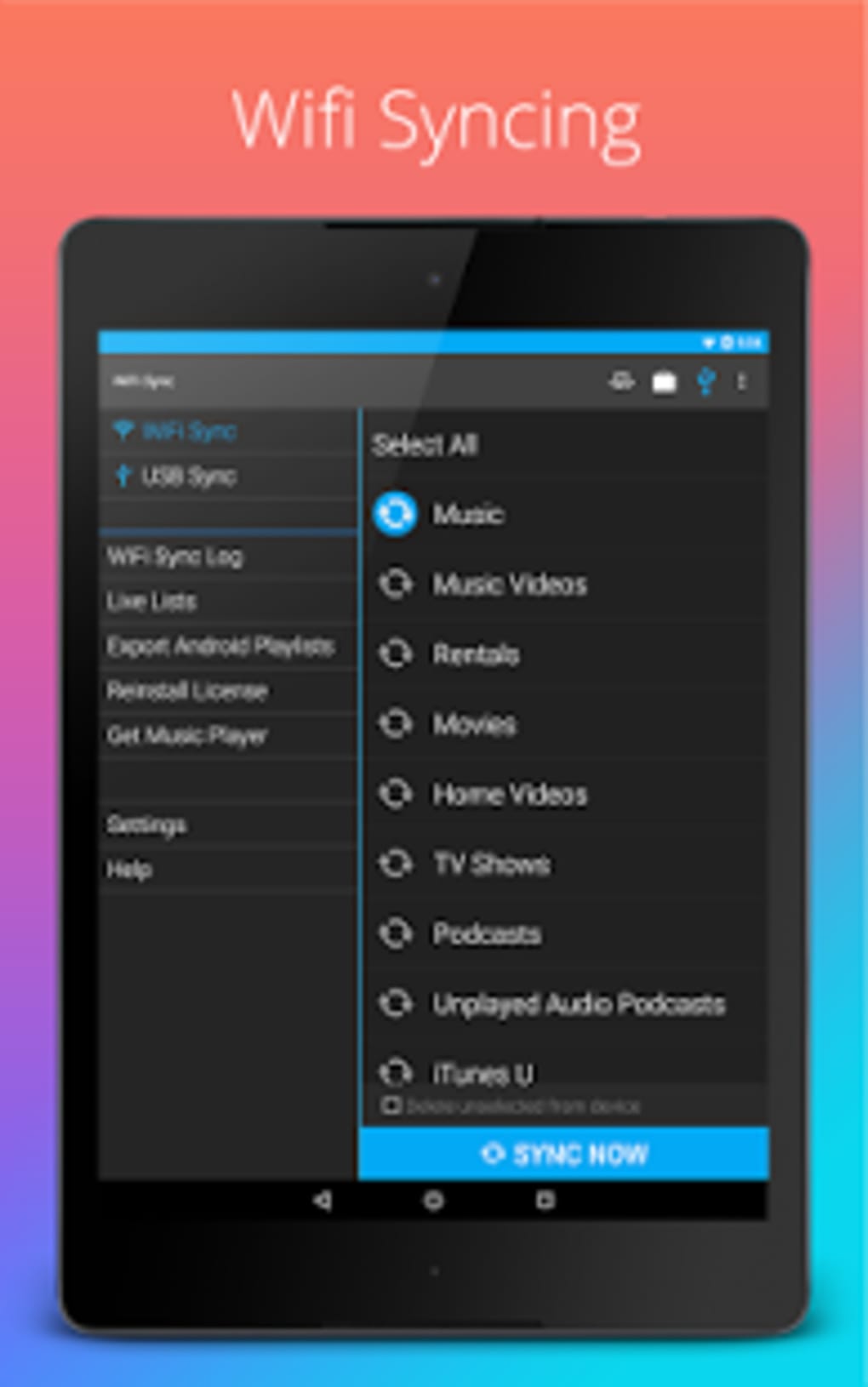
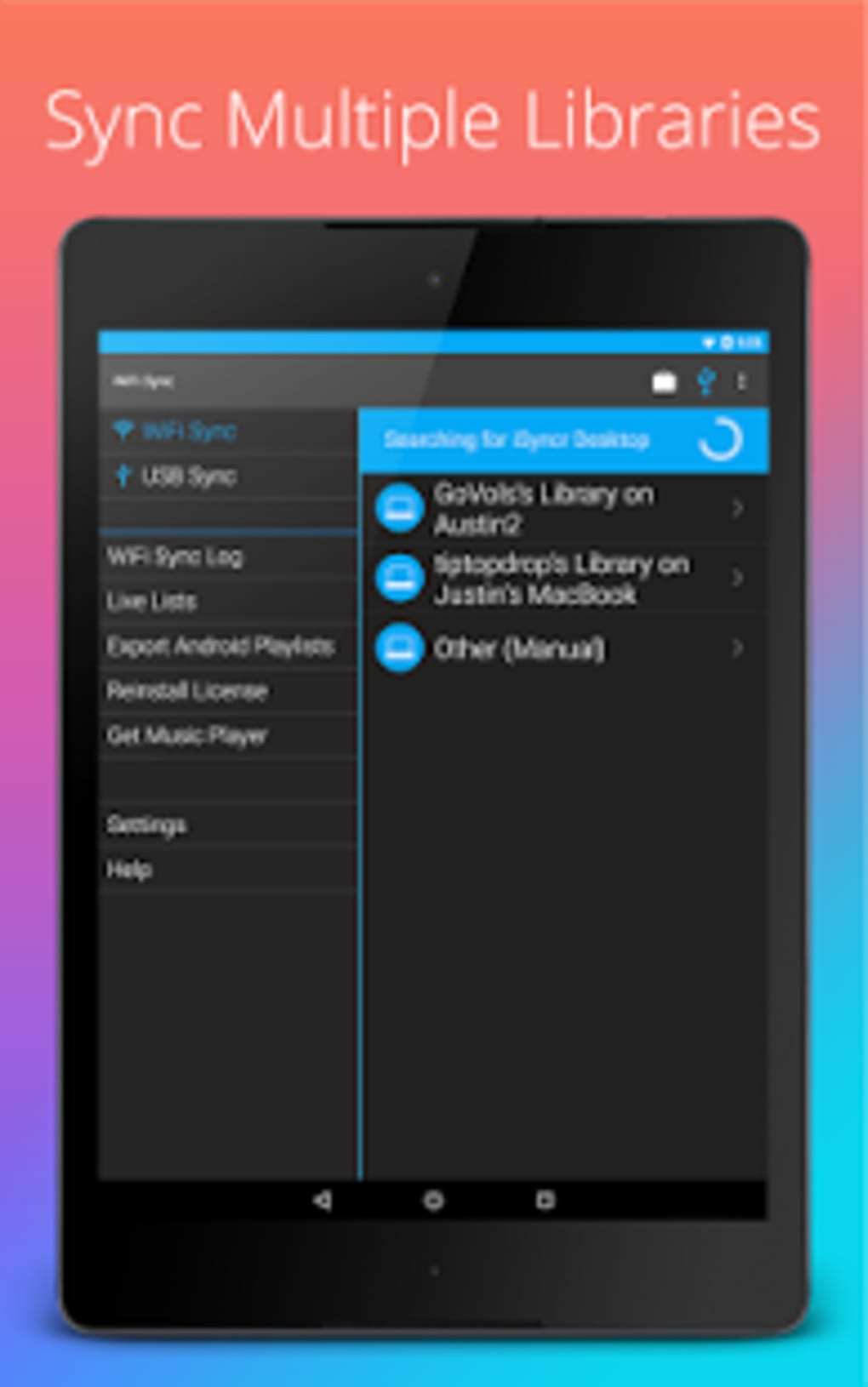
Sync iTunes to Android is a desktop-driven utility designed to bridge the gap between Apple’s iTunes ecosystem and Android devices. Developed by JRT Studio Music Players, the software enables users to transfer non-DRM music, playlists, podcasts, and videos from their iTunes library to Android smartphones and tablets. The primary purpose of the tool is to allow users to access their iTunes-purchased content on non-Apple devices without compromising file quality or metadata integrity. This is particularly useful for individuals who have invested in digital media through the iTunes Store and wish to enjoy it across multiple platforms. The software targets music enthusiasts, podcast listeners, and users with extensive iTunes libraries who rely on Android devices for daily use. It is especially beneficial for those seeking a hassle-free method to migrate their media without re-downloading or re-purchasing content. The solution requires both a computer with the iSyncr Desktop app and an Android device with the mobile companion app installed. File transfers occur via USB or Wi-Fi, offering flexibility based on user preference and connectivity availability. The developer did not provide additional system requirements, and exact performance details were not specified.Key Features & Capabilities
- Non-DRM Content Transfer: The software supports the transfer of music, playlists, podcasts, and videos that are not protected by DRM, ensuring compatibility with Android devices.
- Metadata Preservation: Track information such as album art, ratings, play count, last played time, and skipped status is maintained during transfer, preserving the user’s listening history and organization.
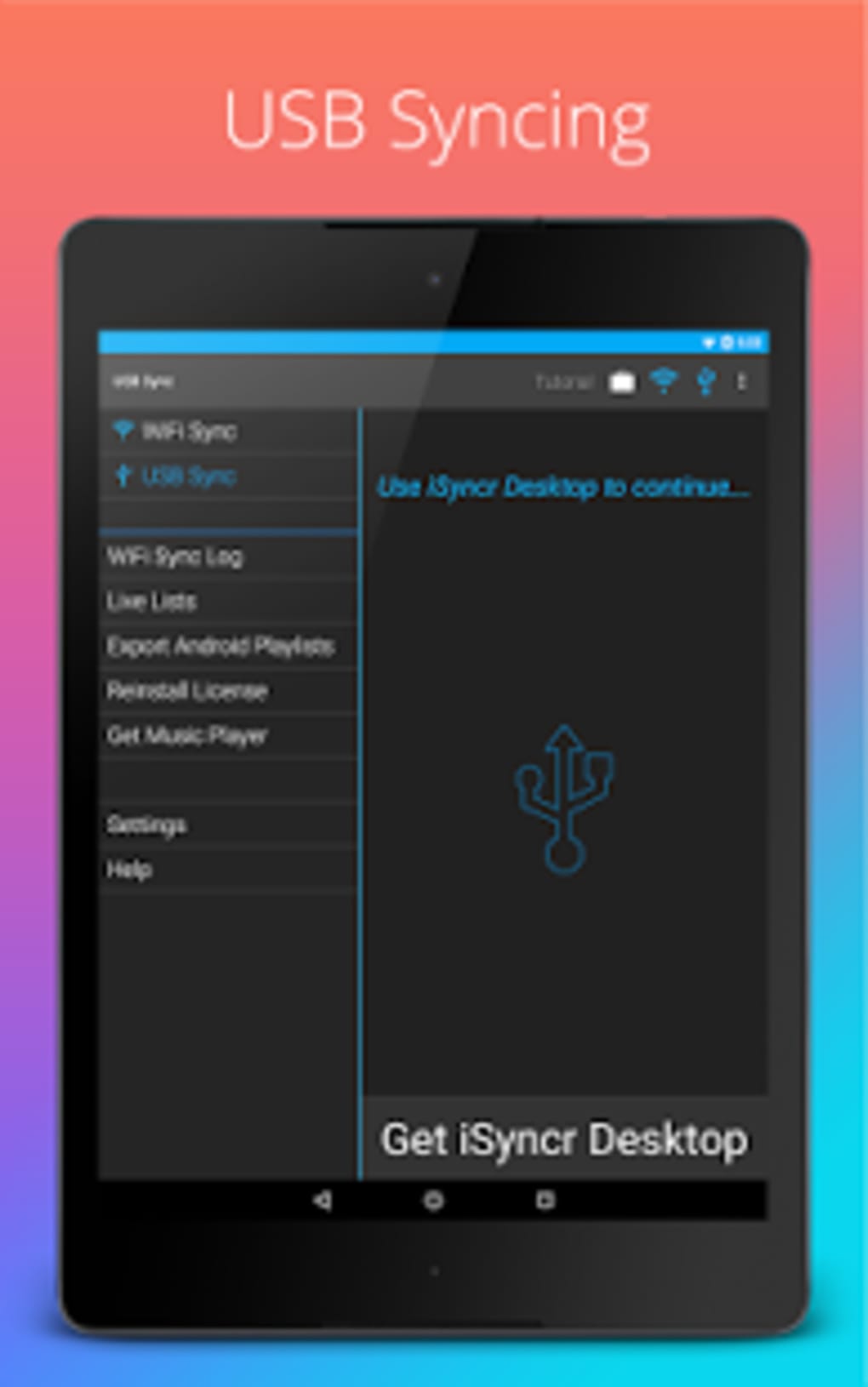
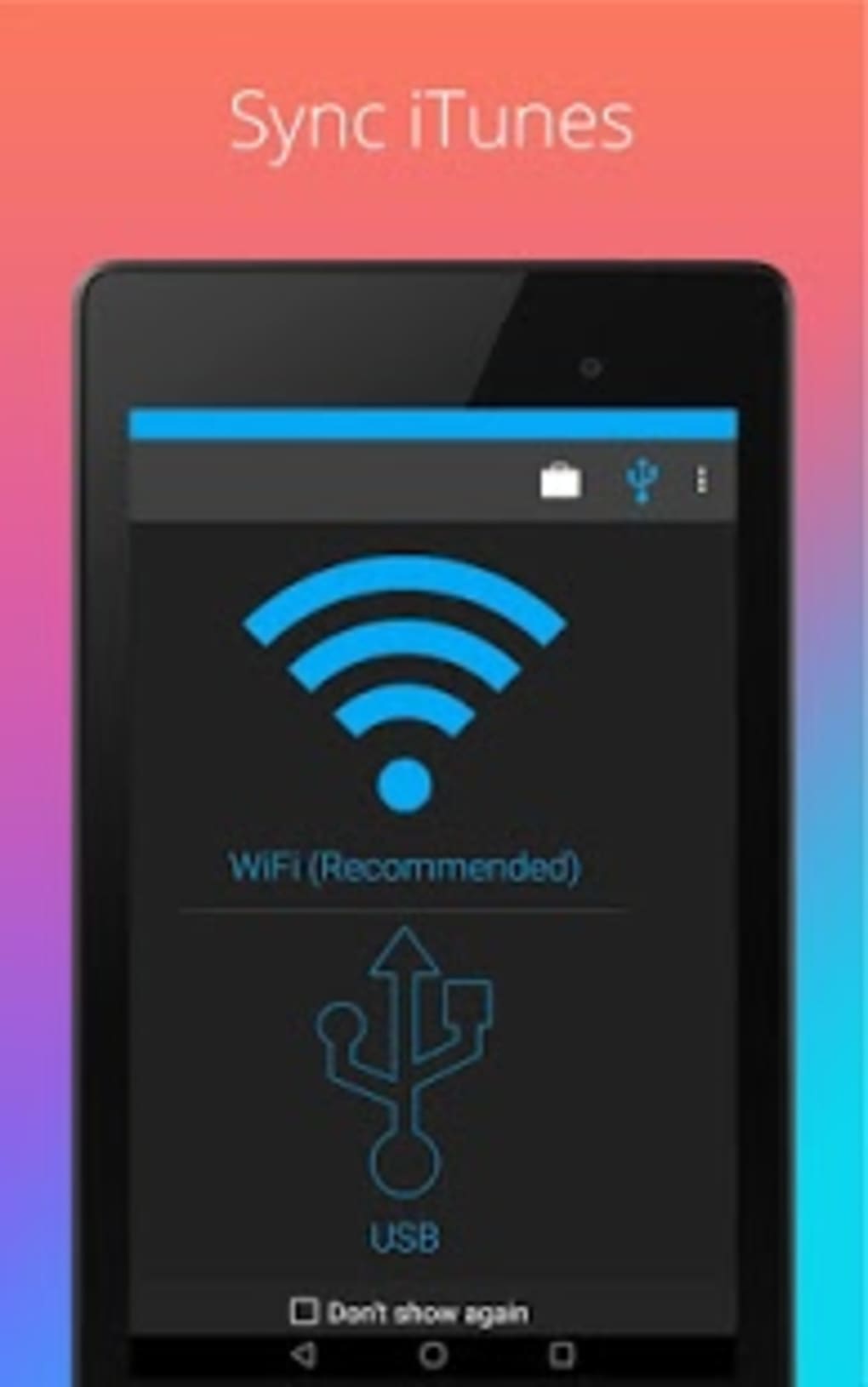
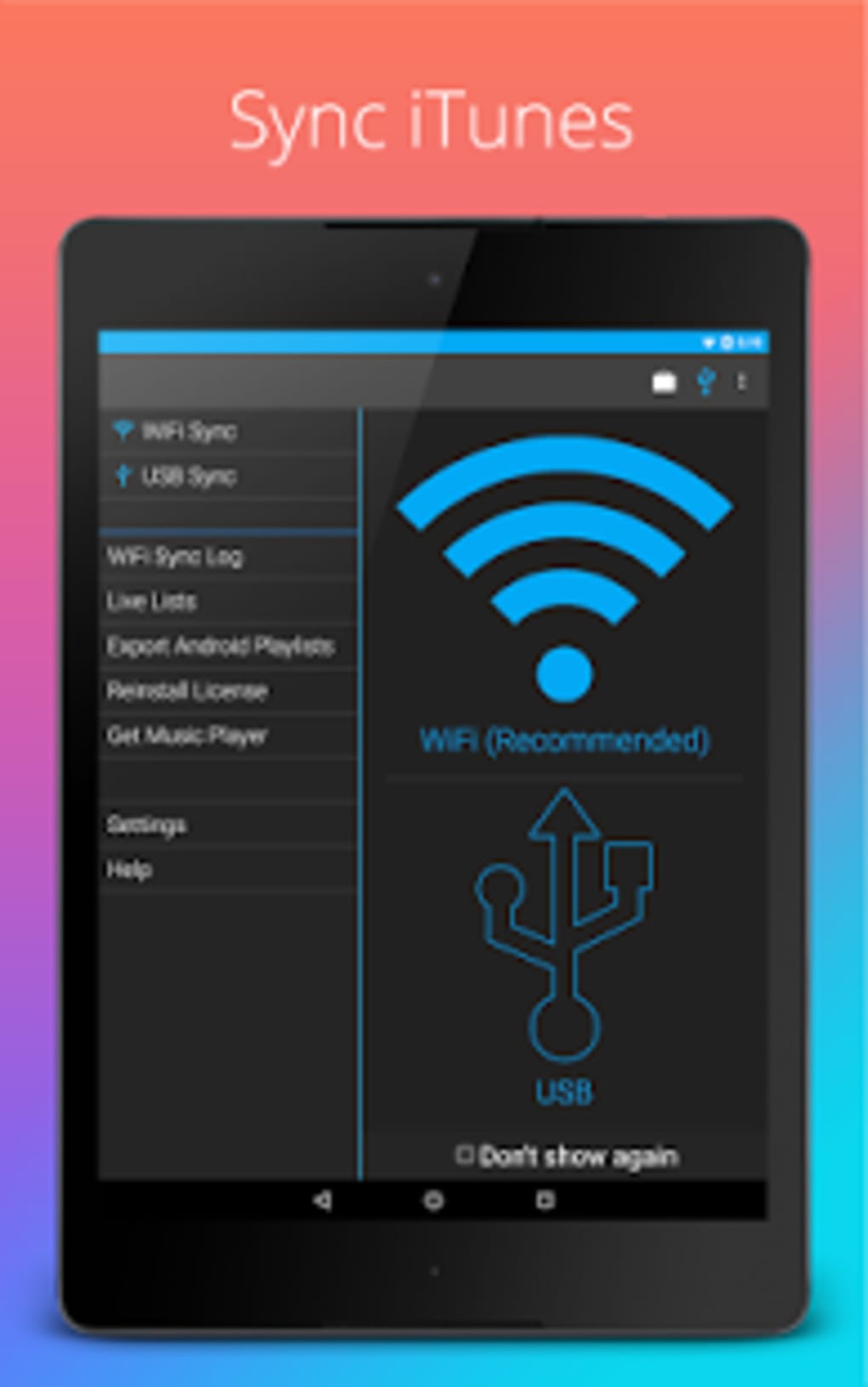
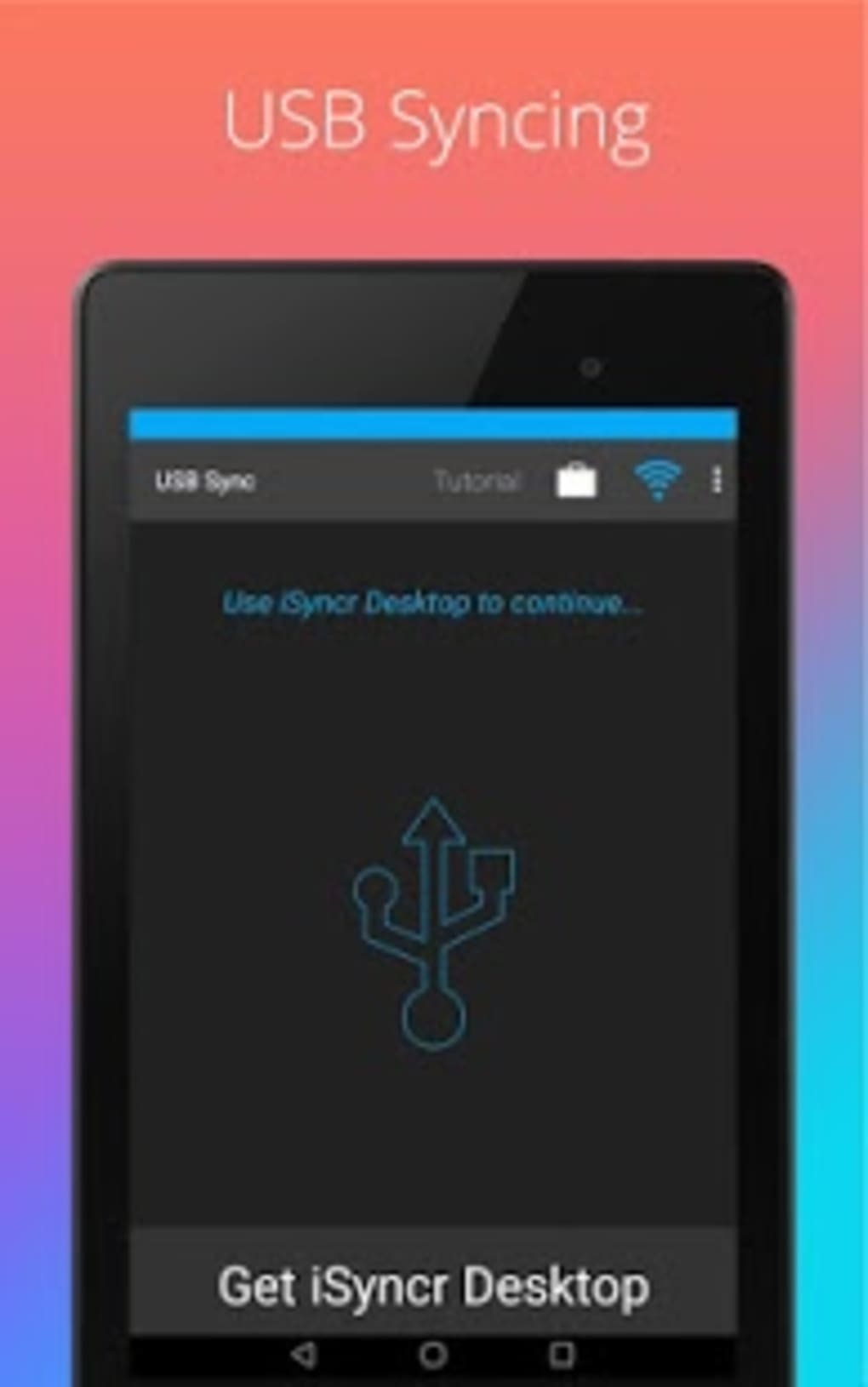
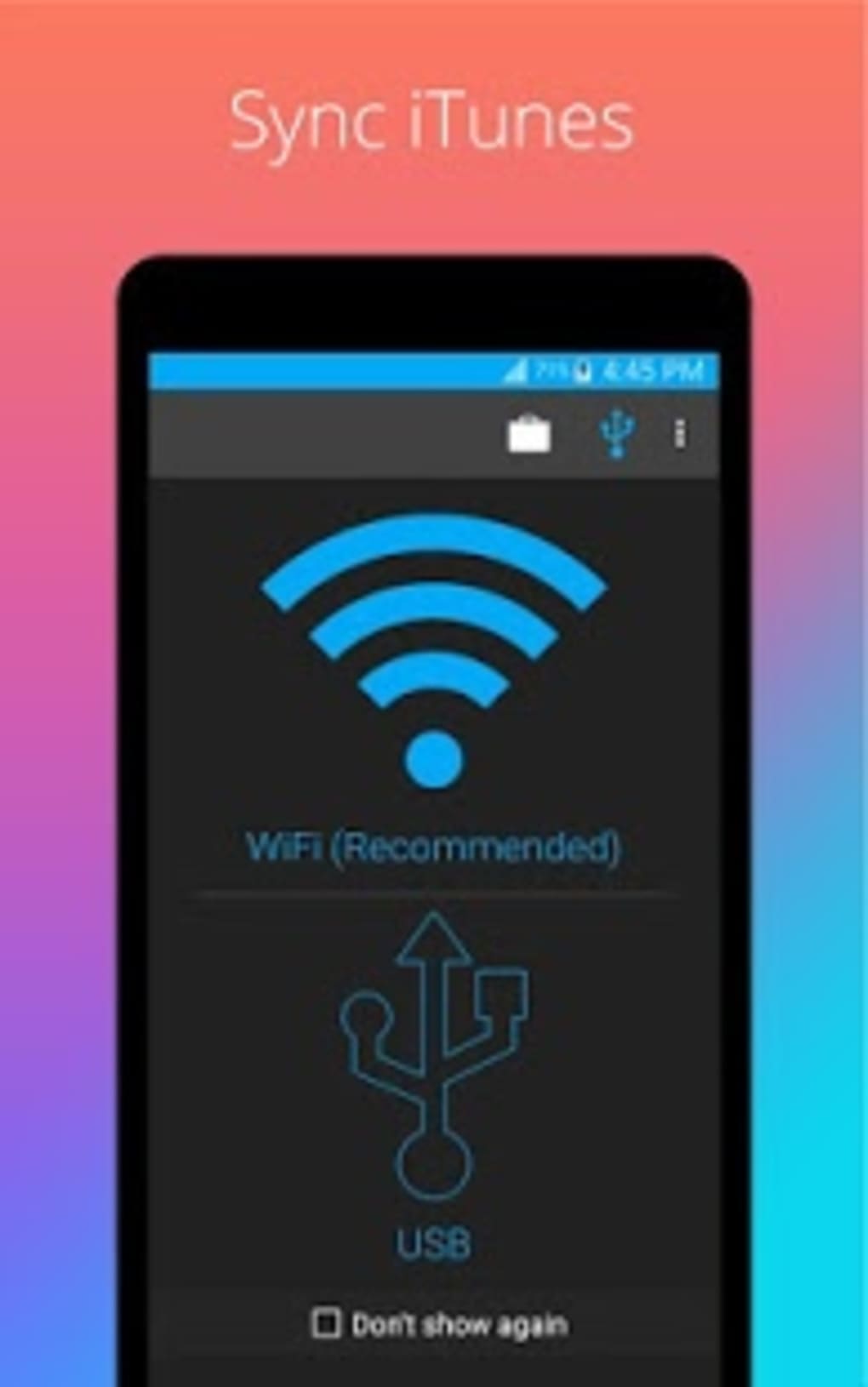
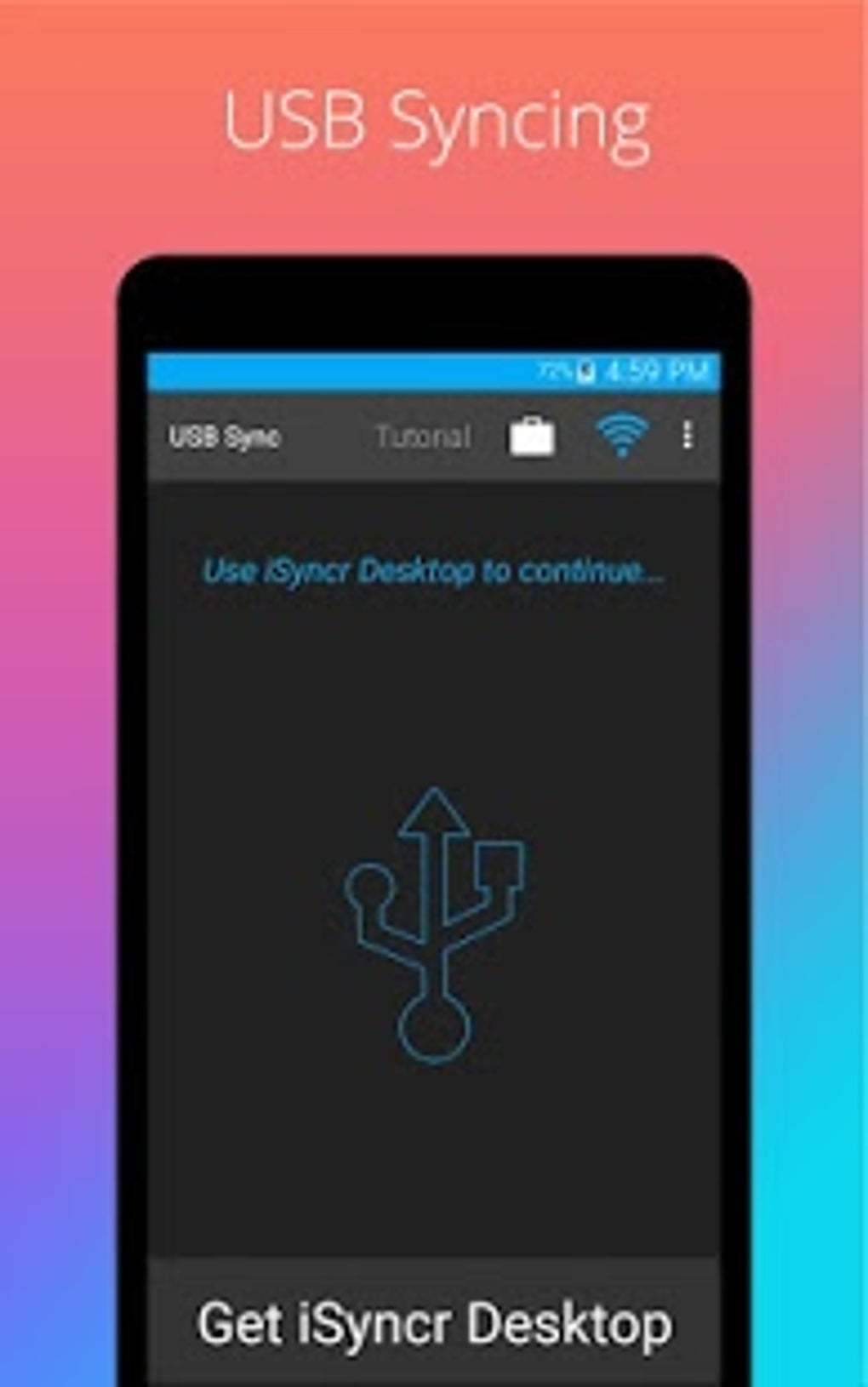
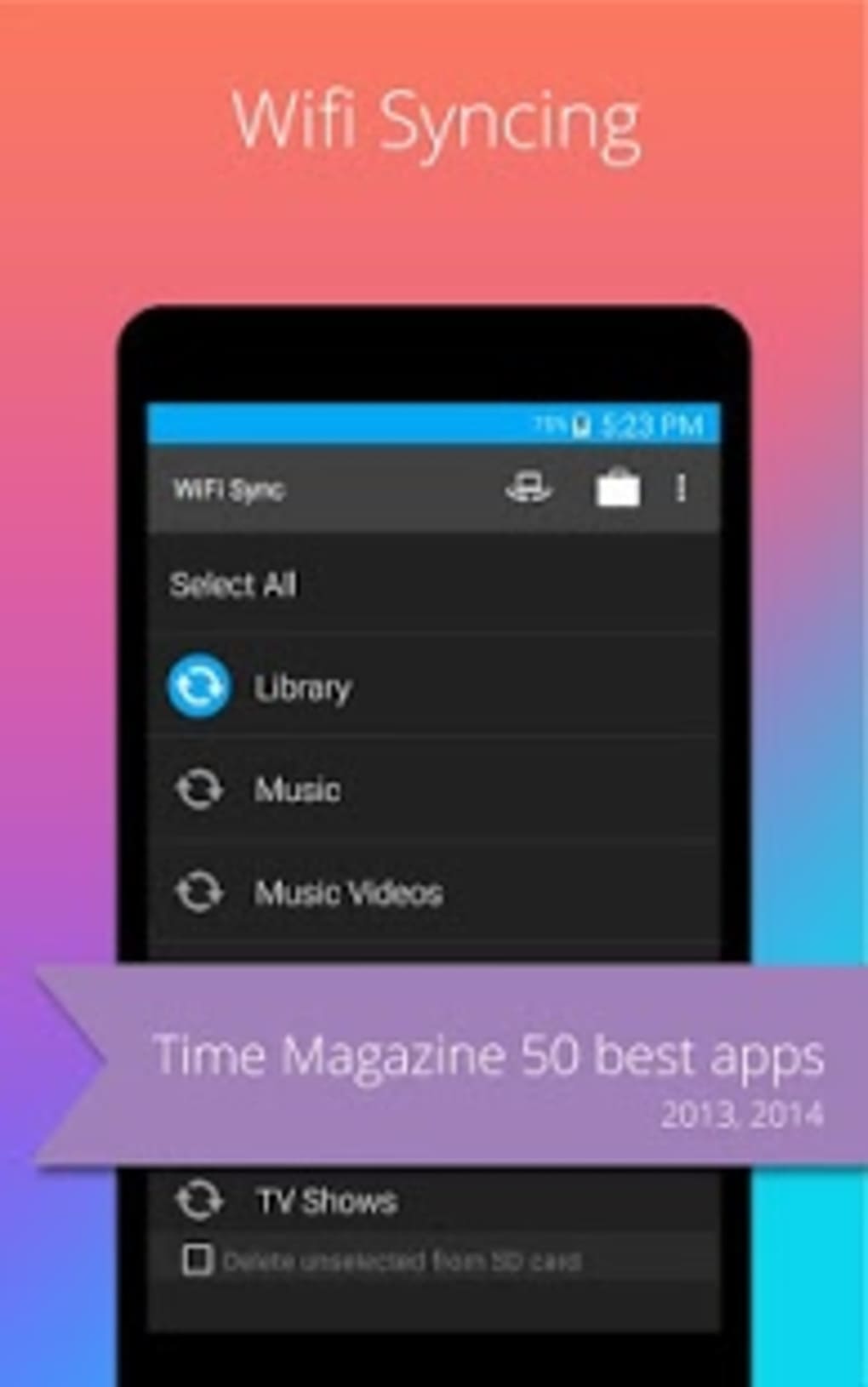
- Multiple Connection Methods: Users can choose between USB and Wi-Fi for file synchronization, allowing for both direct and wireless transfers based on convenience and network availability.
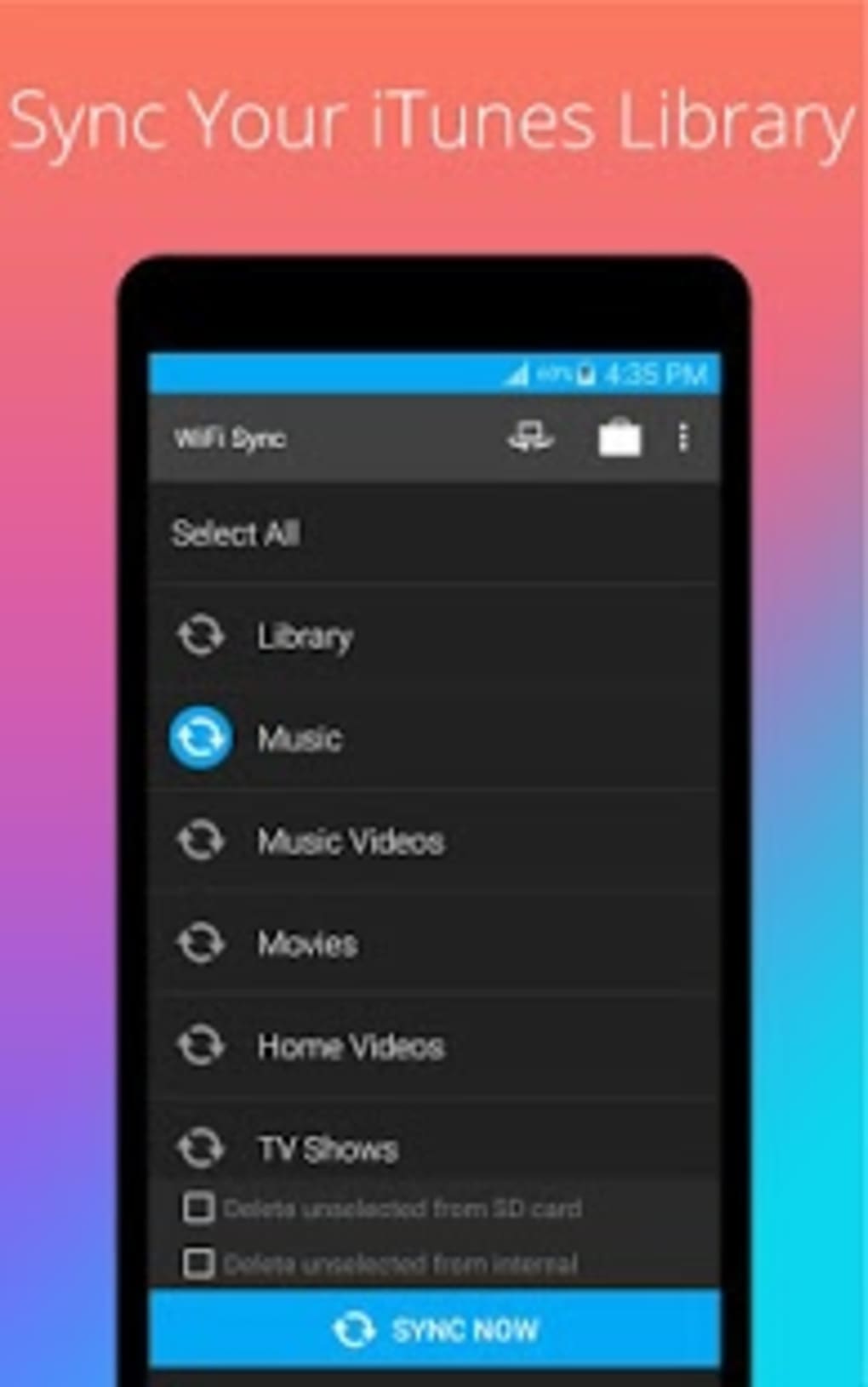
- Playlist Management: The tool enables users to sync entire playlists, though the free version limits transfers to 100 songs per playlist and one playlist at a time.
- Upgrade Path for Unlimited Syncing: A paid option is available through the desktop app to remove the 100-song cap and enable bulk playlist transfers.
User Interface, Workflow & Performance
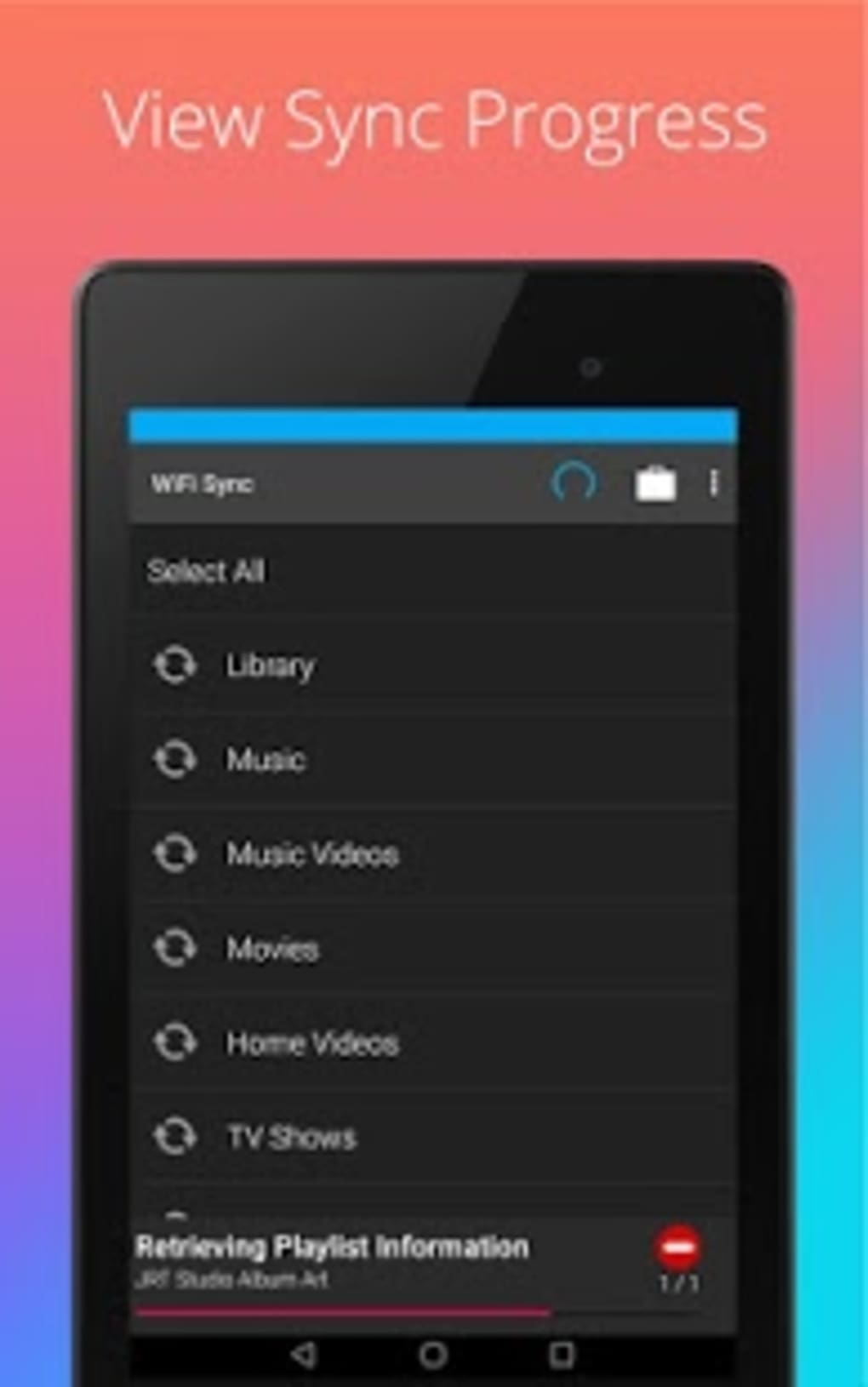
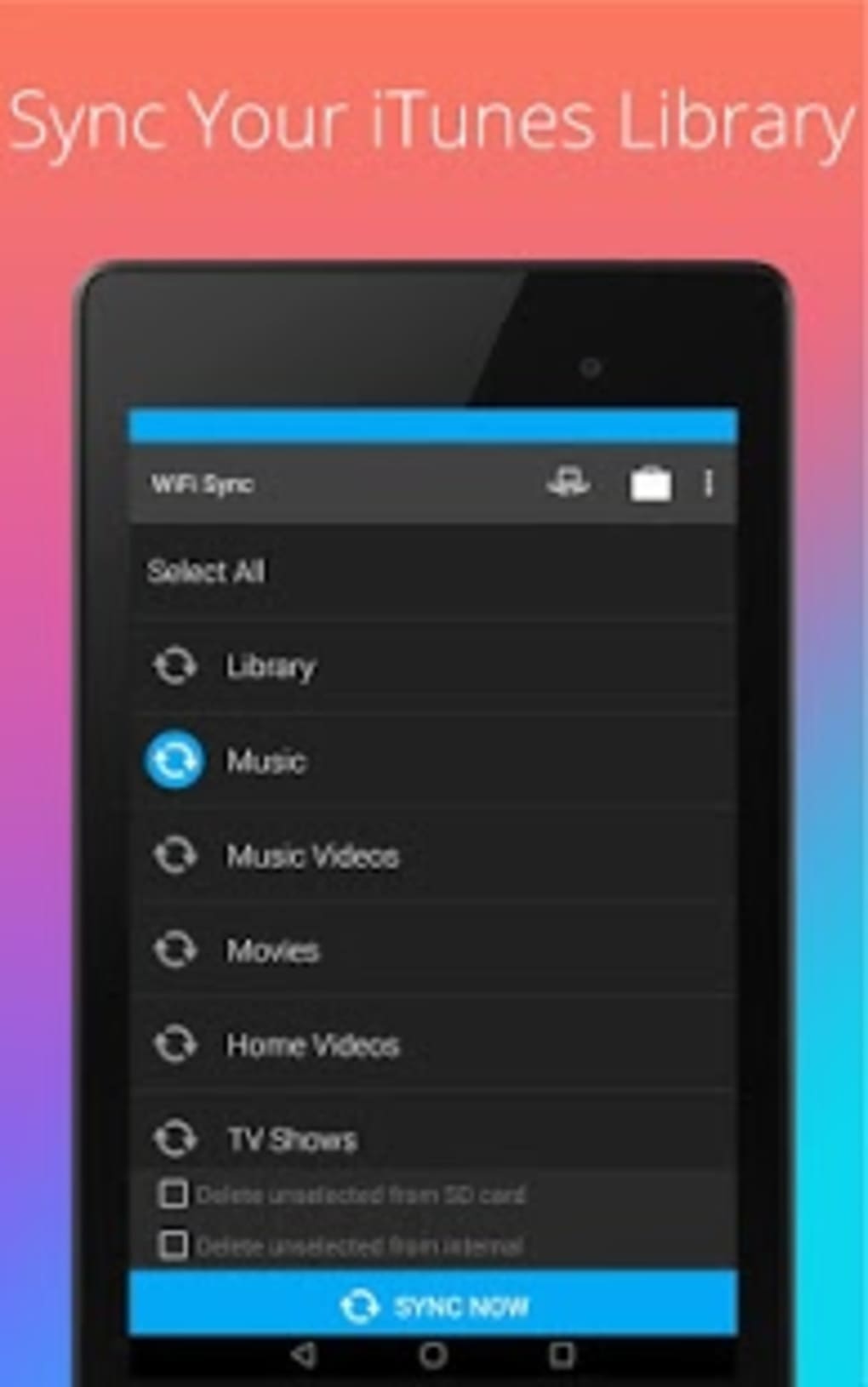
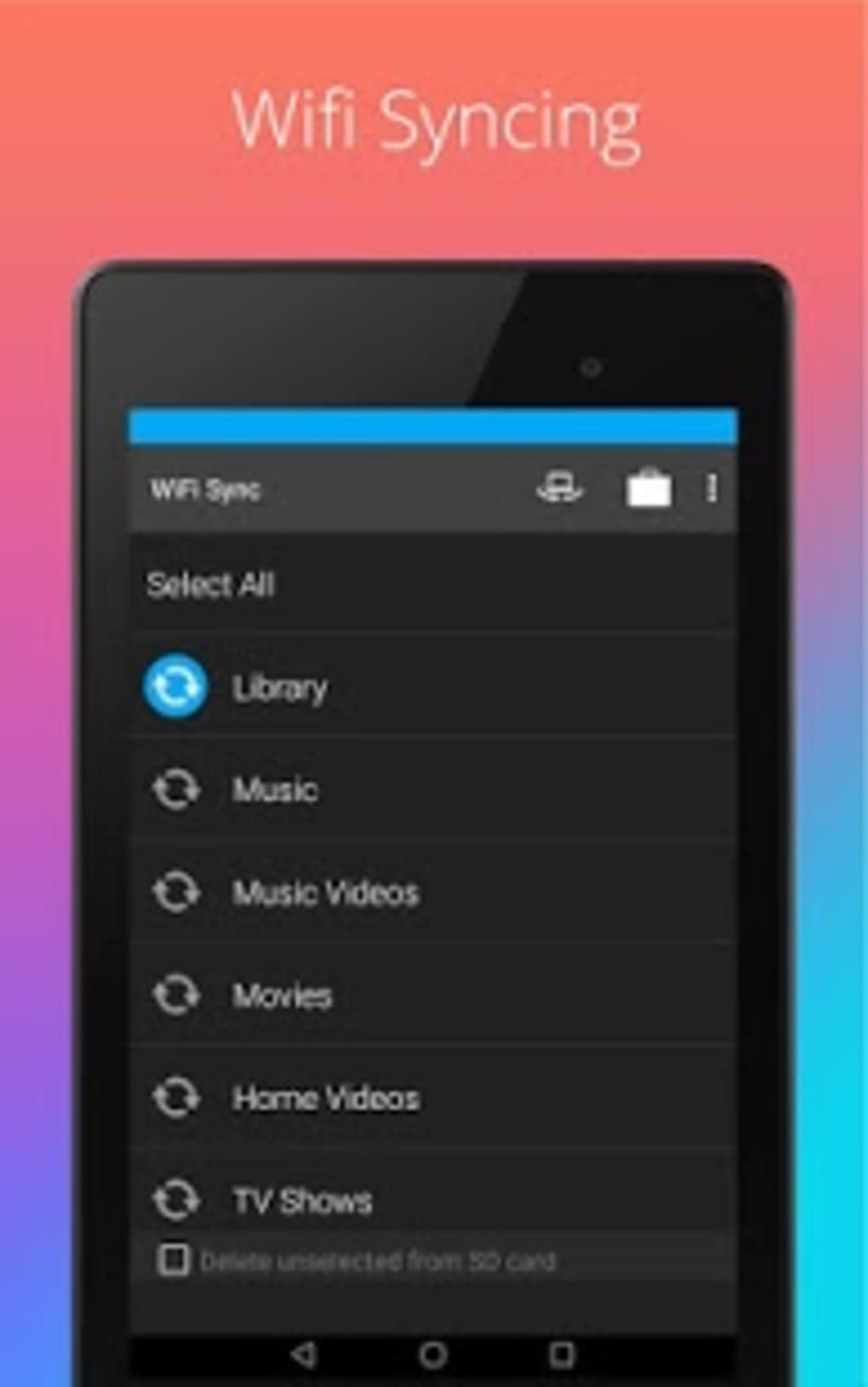
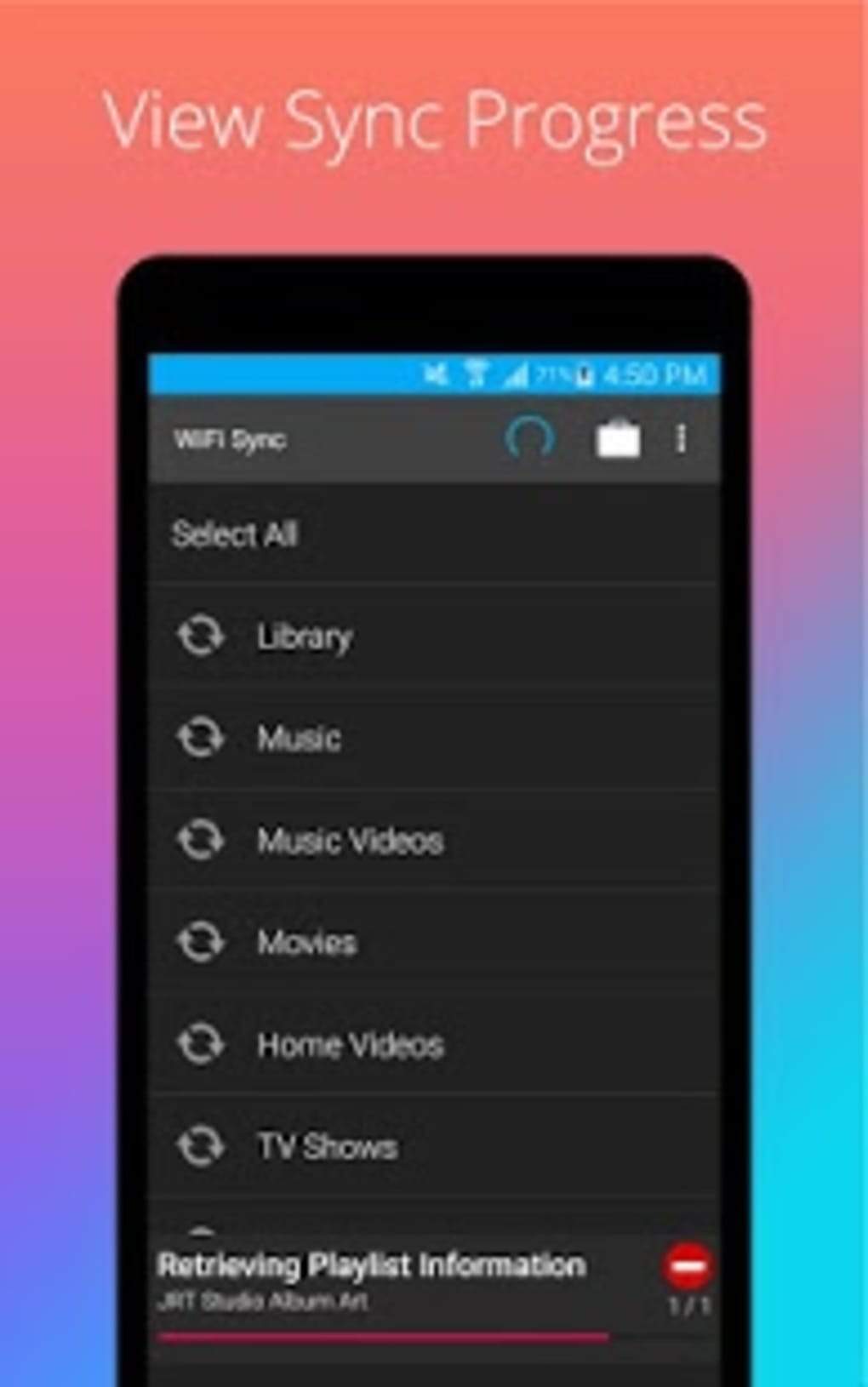
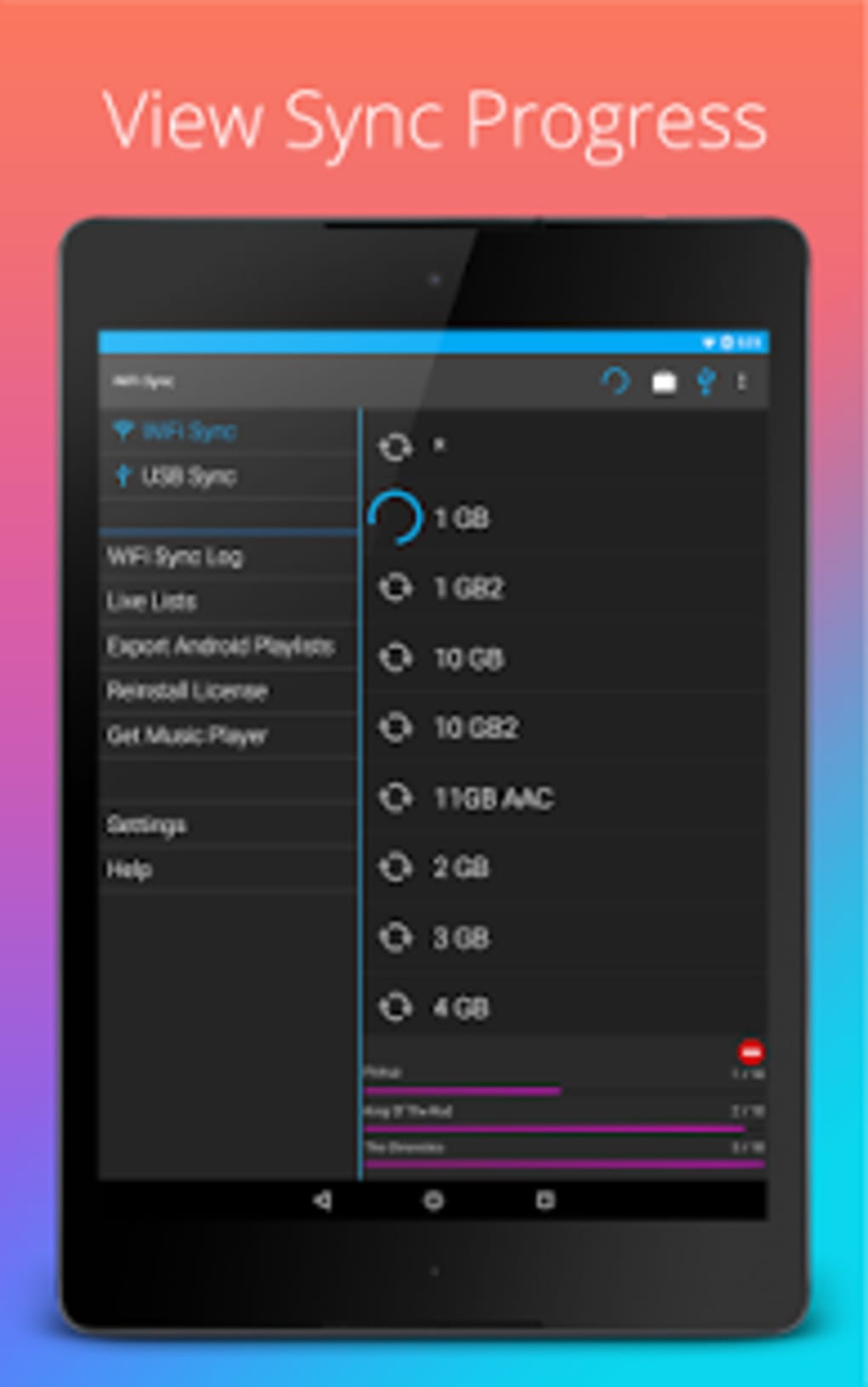
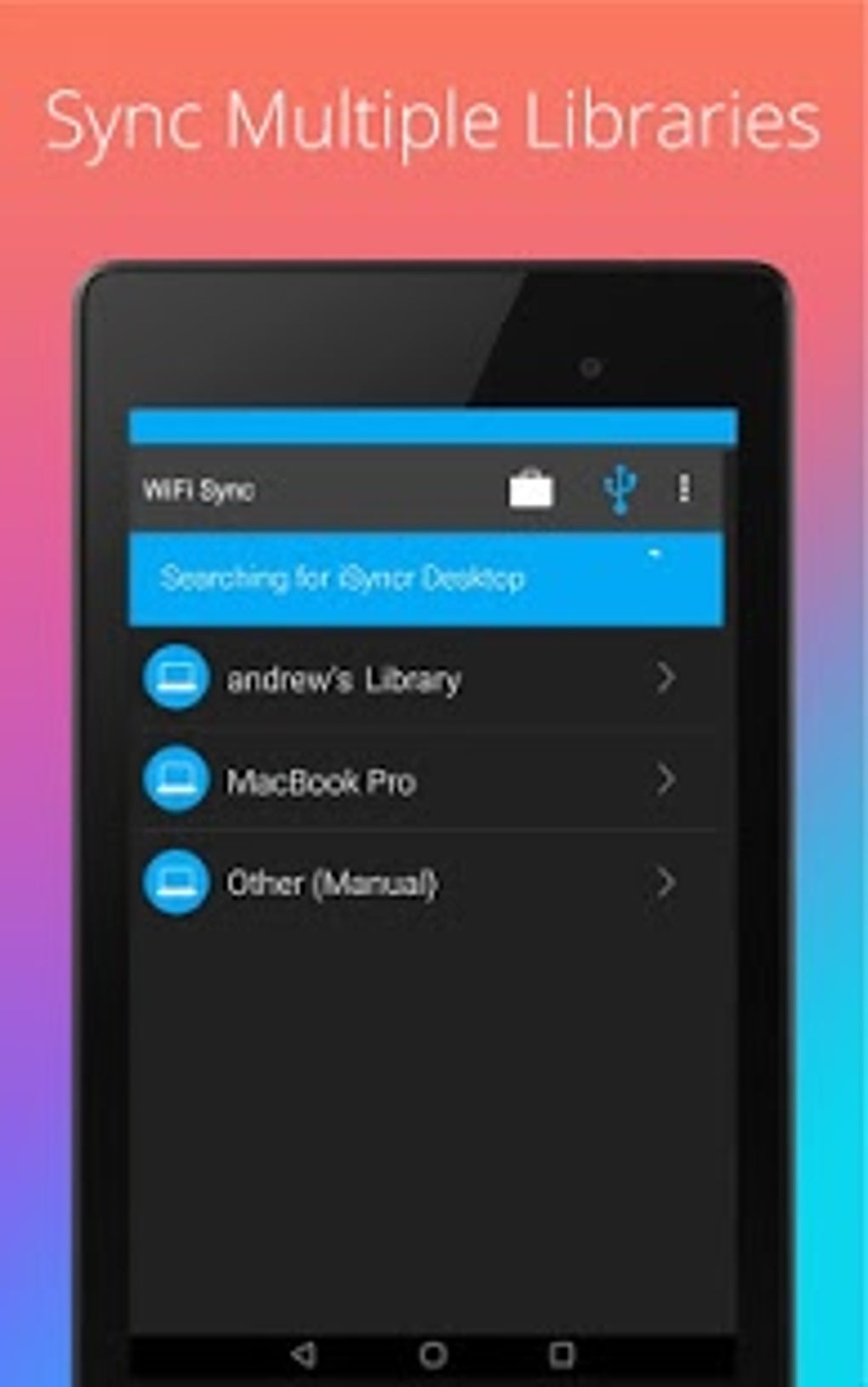
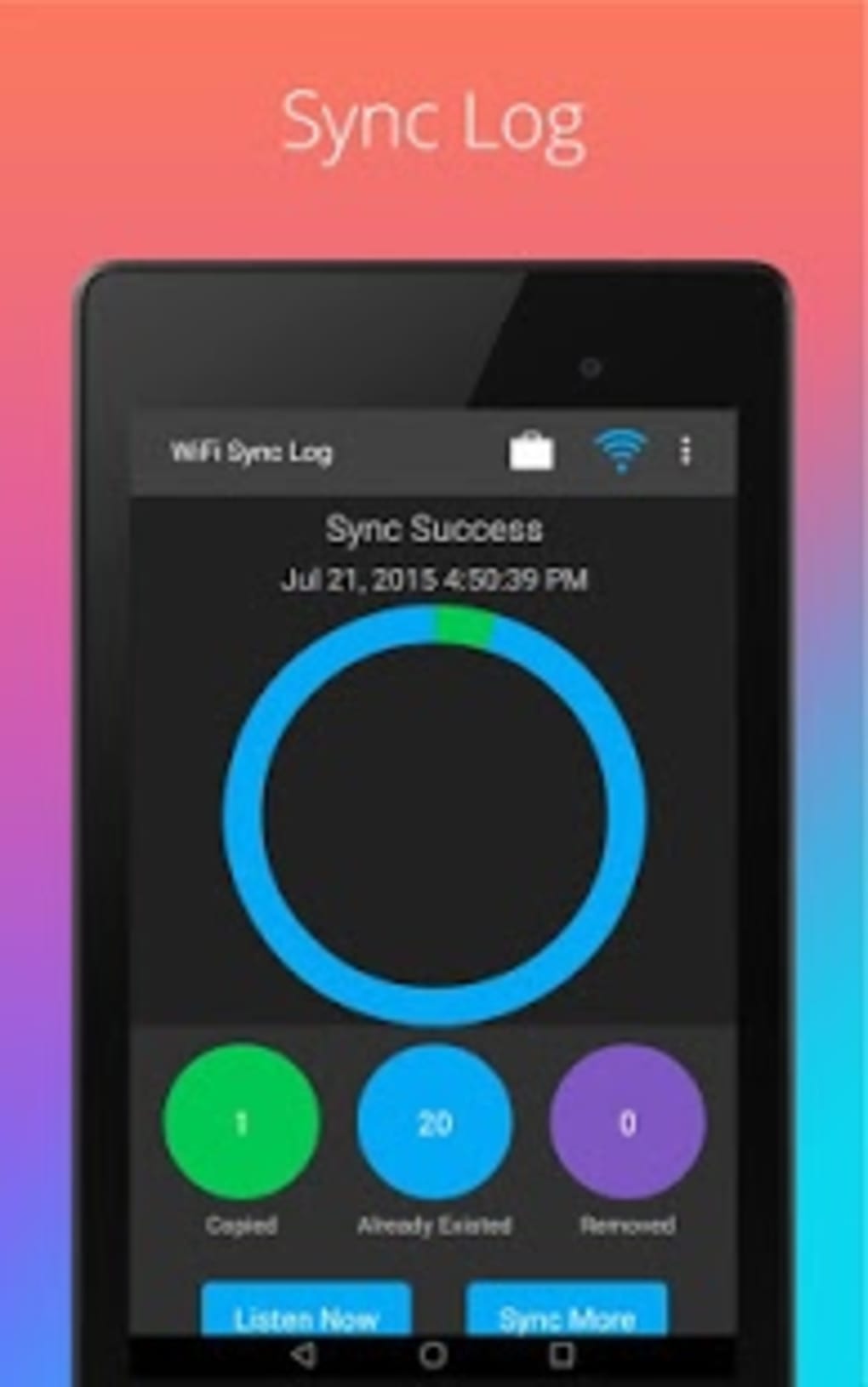
The iSyncr: iTunes to Android desktop application features a clean, functional interface that facilitates straightforward setup and transfer processes. Navigation is primarily driven through a step-by-step wizard that guides users through device pairing, playlist selection, and transfer initiation. The desktop app is described as intuitive and efficient, with clearly labeled buttons and real-time progress indicators. On the mobile side, the Android application has a more dated interface. While it uses straightforward labels and basic icons, the layout is not optimized for modern UX standards. Users may find the navigation less intuitive compared to contemporary media apps, and some functions require multiple taps to access. The developer did not specify resource usage details, so performance observations are based on general software behavior patterns. Stability appears consistent during transfers, but no formal testing data was provided. The app does not appear to impose heavy CPU or RAM usage during operation, though exact metrics were not disclosed.Compatibility & System Requirements
iSyncr: iTunes to Android is compatible with both Windows and Mac operating systems. The software is available as a desktop application with a file size of 12.5 MB. The mobile companion app is designed for Android devices, though specific Android version requirements were not listed. The developer did not provide additional system requirements, and exact hardware specifications were not specified. Compatibility information was partially provided, and users are advised to ensure their devices meet general desktop software requirements for smooth operation.Pros and Cons
Pros
- Free to use with core functionality available
- Preserves metadata such as album art, ratings, and play history
- Supports both USB and Wi-Fi transfer methods
- Efficient sync process with minimal user intervention
- Desktop app is more intuitive than the mobile interface
Cons
- Mobile app interface is outdated and less user-friendly
- Free version limits transfers to 100 songs per playlist
- Only supports non-DRM content; DRM-protected files cannot be synced
- Requires two devices: a computer and an Android phone/tablet
- Not an officially licensed Apple product
FAQ Section
Is iSyncr: iTunes to Android compatible with all Android devices?
The software is designed for Android devices, but specific compatibility details were not provided by the developer. Users should ensure their device runs a modern Android OS version for optimal performance.
Can I transfer DRM-protected content using this app?
No. The app only supports non-DRM content. DRM-protected files from the iTunes Store cannot be synced to Android devices using this utility.
Is the app safe to download and use?
Yes, the app is distributed through official channels and does not contain known malware. However, users should always download from trusted sources to ensure security.
How do I update the software?
Updates are managed through the desktop application. The app checks for new versions automatically, and users can install updates directly from the interface.
Can I use the app without an internet connection?
Yes. While the initial setup may require an online connection, file transfers can be completed offline once the devices are paired. Both USB and Wi-Fi modes support offline sync.
Final Thoughts + CTA
iSyncr: iTunes to Android offers a practical solution for users looking to extend their iTunes library to Android devices. While the mobile interface lags behind modern standards, the desktop app delivers a reliable and efficient transfer experience. The ability to preserve metadata and support both USB and Wi-Fi sync makes it a valuable tool for music and podcast enthusiasts. The free version provides solid functionality, though limitations on playlist size may prompt users to upgrade. Overall, it is a secure, lightweight utility that fills a niche in cross-platform media management. For anyone with a large iTunes library and a need to access it on Android, this app is worth trying. Download iSyncr iTunes to Android APK nowGuides & Tutorials for iSyncr iTunes to Android APK
How to install iSyncr iTunes to Android APK
- Click the Preview / Download button above.
- Once redirected, accept the terms and click Install.
- Wait for the iSyncr iTunes to Android APK download to finish on your device.
How to use iSyncr iTunes to Android APK
This software is primarily used for its core features described above. Open the app after installation to explore its capabilities.
User Reviews for iSyncr iTunes to Android APK 0
No reviews found





